Verifying members
Verifying members is only available with full ClubGuests membership.
ClubGuests does not provide any integration services with your membership software.
This makes ClubGuests very good value for money and means any club can use it.
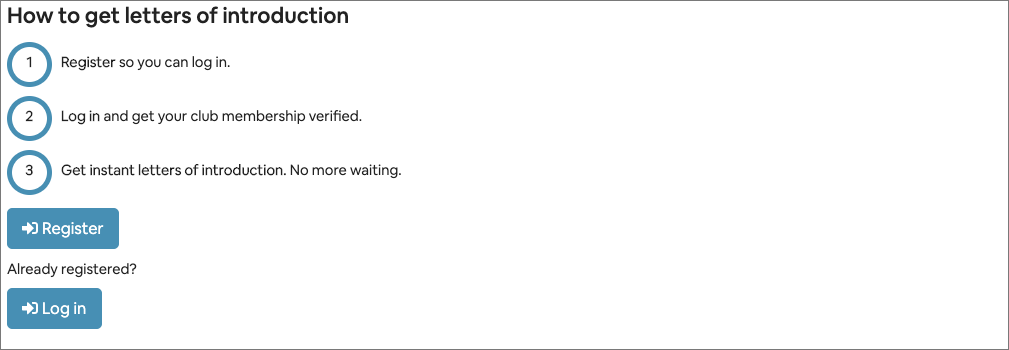
To get letters of introduction, a member must:
-
register with ClubGuests - this is quick, easy and gives instant access. It means the members can log in any time.
-
get verified by their home club - club administrators can verify memberships, and set a verification expiry date.
These two steps then allow the member to get instant letters of introductions to any club on your reciprocal links list.
Processing a verification
Verifications can be processed via email or the Manage network menu.
Verification by email
Club administrators receive email notification for verifications.
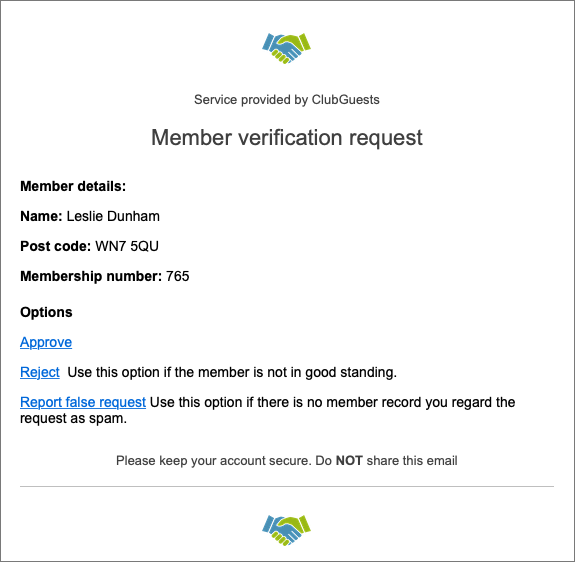
Club administrators use their own systems to determine if someone is a member or not, or use other criteria for verification.
Approve
Use this to approve the request. You can set an expiry date for verification. This would normally be the end date of the current paid membership period for the member concerned, but any date can be entered.
When the expiry date is reached, members will need to be re-verified.
Suspend
Use this to suspend the request. An example might be where the member has not paid their current membership fee, or where a club rule mitigates against approval. This is entirely at the discretion of the club administrator. Members are informed of the suspension and we recommend including a remedy in the note sent to the member. Members can only be un-suspended by a club administrator, from the club network dashboard.
Report false request
Use this when the request comes from someone who is not in your system at all, and you consider the request as spam. Please search your records thoroughly before reporting a false request.
Verification using Manage network menu.
Incoming verifications
These are shown as a count on the menu item.
Select Verifications from the Manage network menu.
Select an action from the action column.