Linking to your website
Select List links from the Manage network menu.
The links for your website block appears at the foot of the links listing.
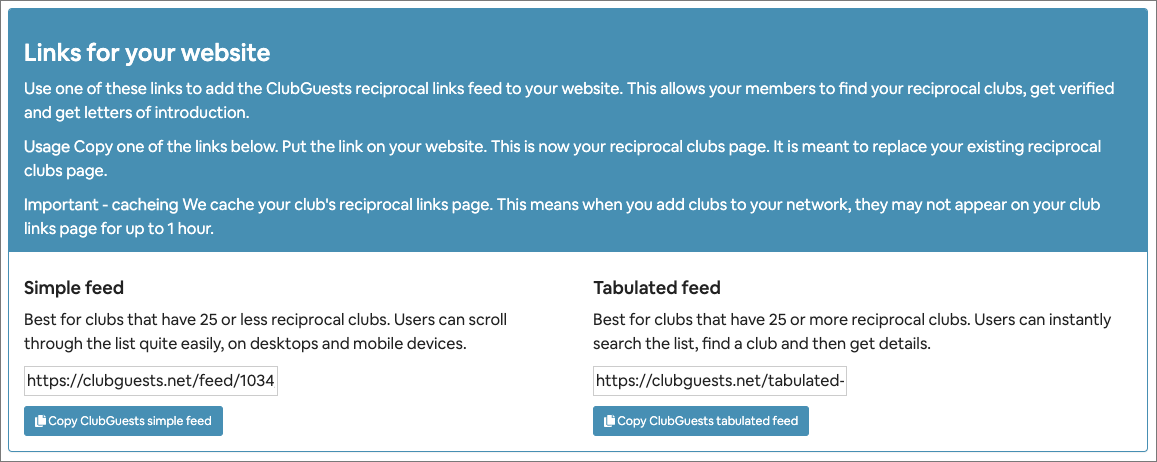
There are two different ways of linking your reciprocal links network to your website.
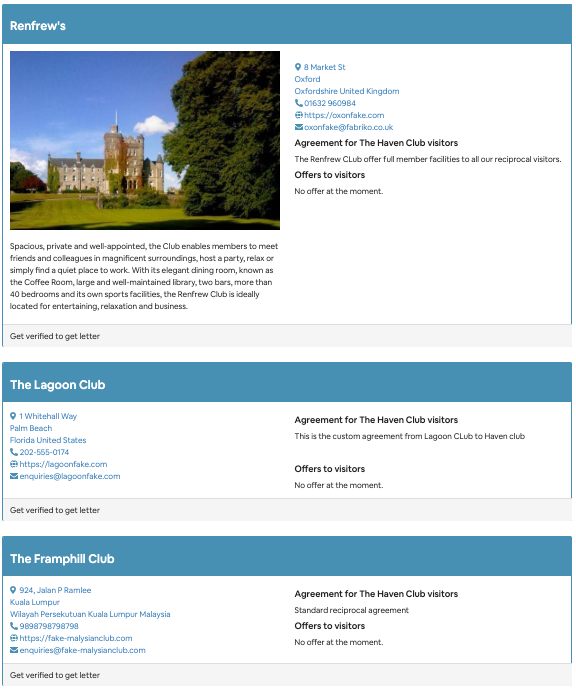
Simple feed
-
This is most suited to clubs that have a reciprocal list of 25 or less.
-
The list is scrollable, not searchable.
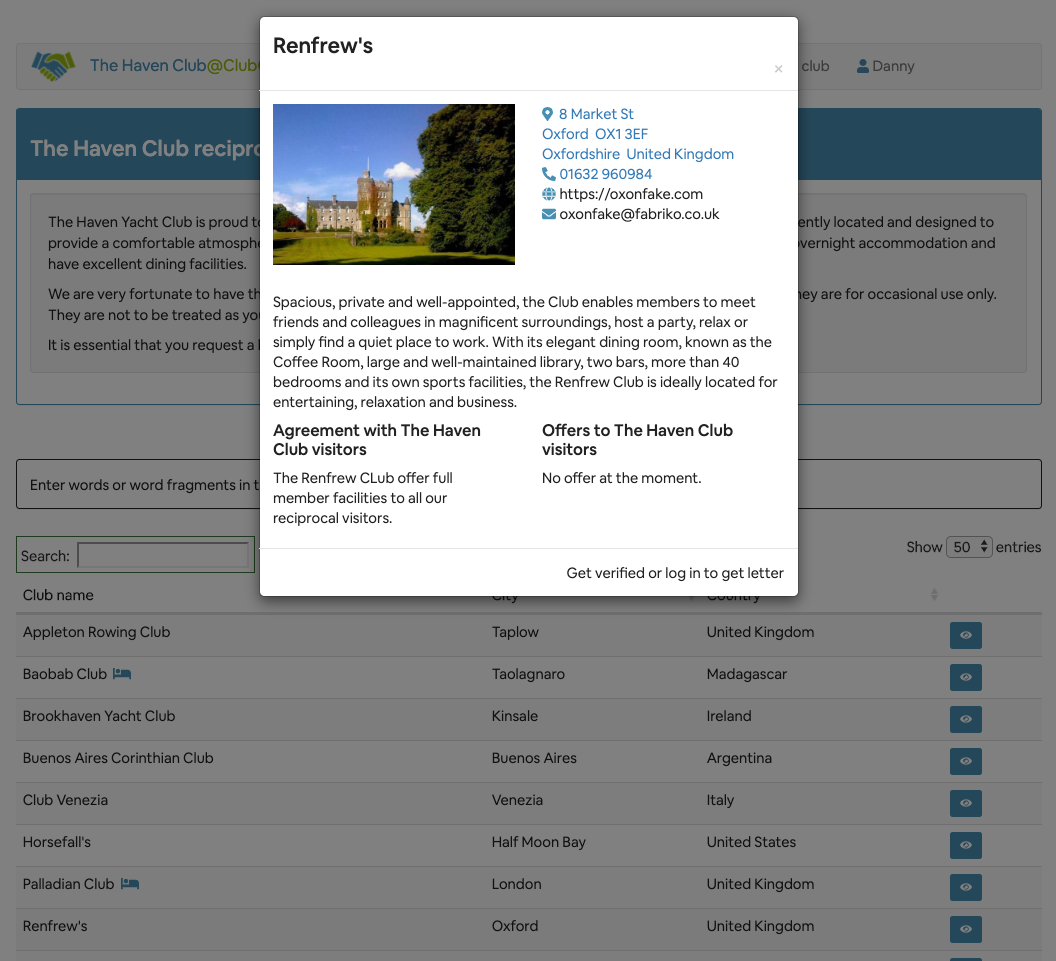
Tabulated feed
-
This is most suited for clubs that have a lot of reciprocal links.
-
The list is sortable and searchable.
Feed cacheing
ClubGuests caches the feeds to improve network performance.
This means if you add a link to your network, it may not display on the club feed for up to 1 hour.
Adding the feed
1 Copy one of the feed links
2 Add it to your site.
Testing the feed
-
Please log out of the ClubGuests website and remove all cookies from your browser before testing. Otherwise you may get odd-looking results.
-
If you want to log back in as a club administrator, please remove cookies before doing so.
-
Results are cached for up to 1 hour.
Troubleshooting the feed
If you get this message when trying to view the feed:
The reciprocal links list is not currently available for [your club]. Please contact your club administrator.
It means that your ClubGuests membership has expired. You can check your account using the Account menu.